

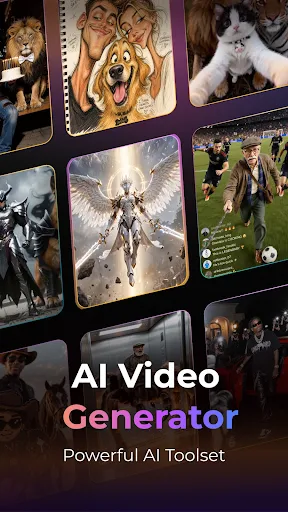
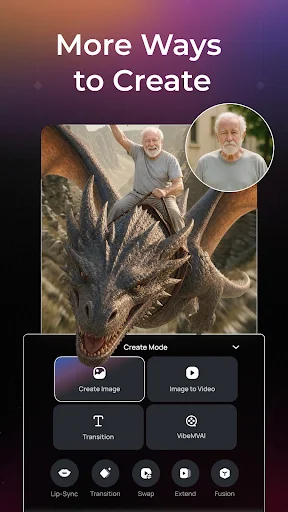
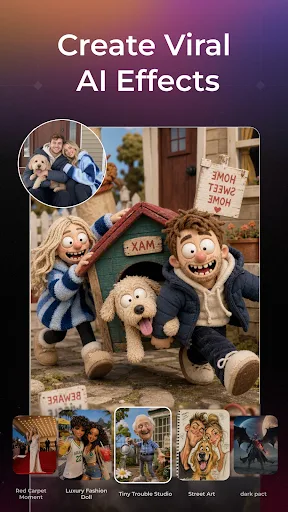
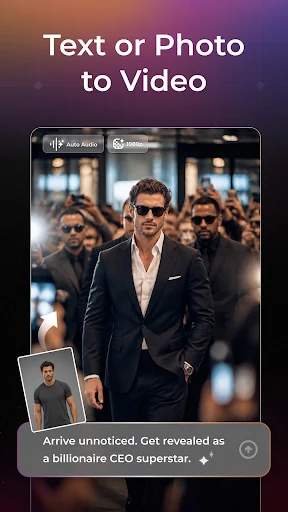
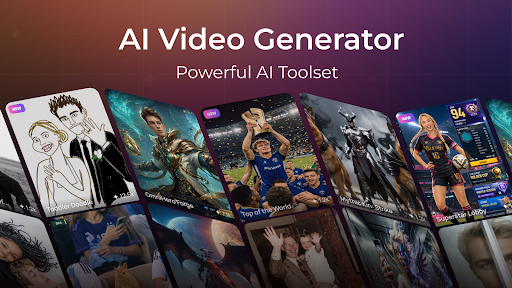
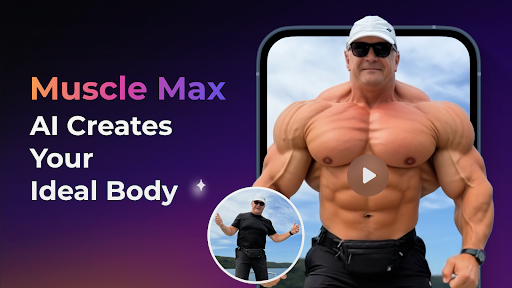
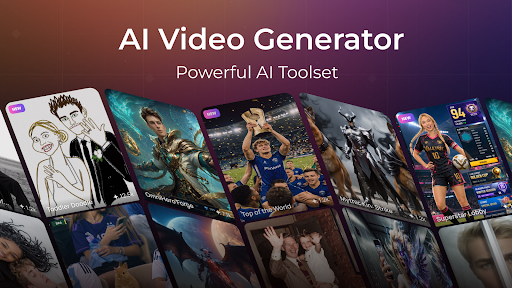
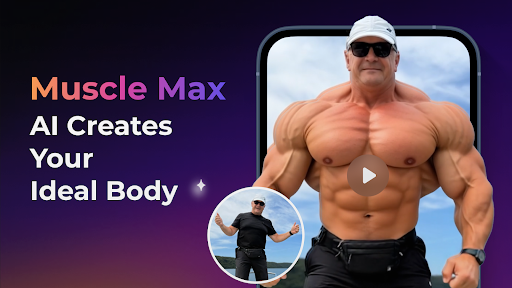
PixVerse: AI Video Generator is an all-in-one app designed for AI-powered content creation, enabling users to generate images and videos from various inputs. It leverages the PixVerse V6 model alongside other advanced AI models, allowing for tasks such as transforming text prompts into high-quality images and cinematic videos, animating still photos, and creating talking AI avatars with natural lip-sync. The app also supports enhancing visuals, generating music videos, and adding custom sound effects to scenes.
AI Video and Image Generation
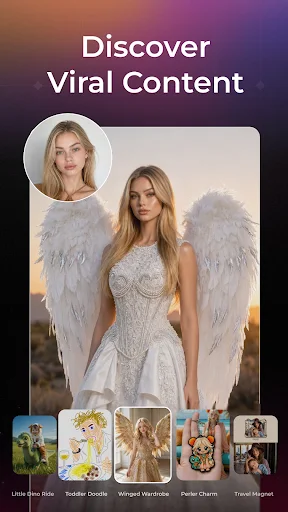
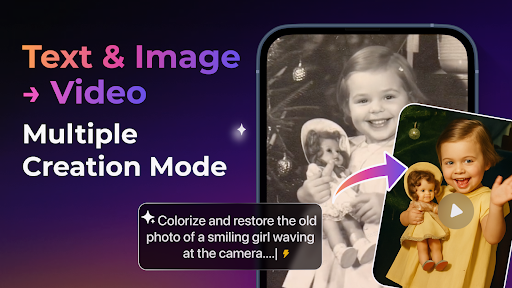
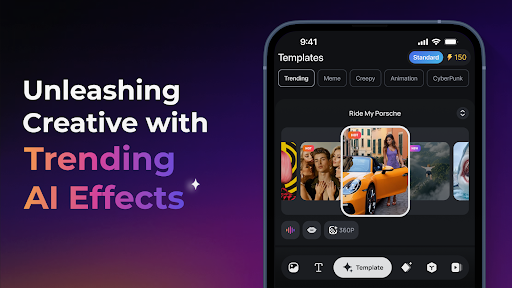
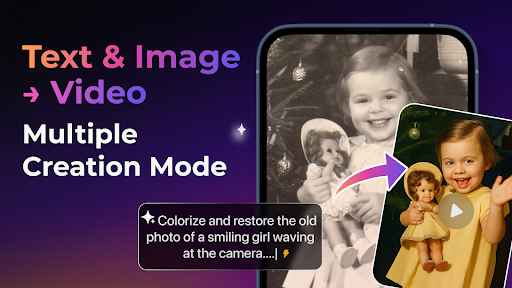
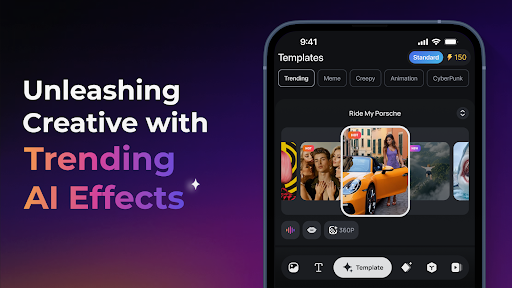
The app provides tools for creating visual content from scratch or existing media. Users can generate high-quality AI images by entering text prompts, detailing characters, scenes, styles, products, or creative concepts. Similarly, text prompts can be turned into cinematic videos in various styles, utilizing PixVerse V6 and other AI models. Still images can be animated and transformed into dynamic videos. For quicker starts, AI Templates are available for common content types like dance, transformations, product promotions, and social media videos.
Advanced Video Modification and Enhancement
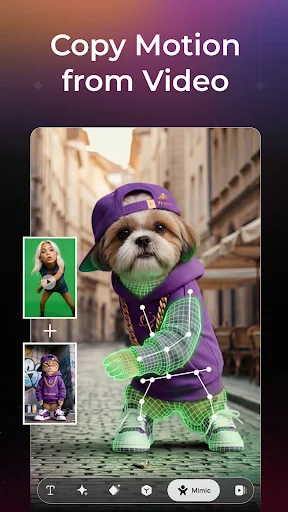
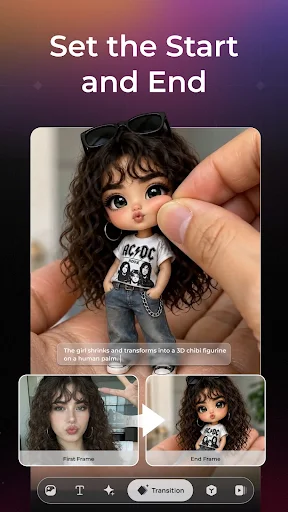
PixVerse offers capabilities to refine and extend video content. Users can modify selected parts of a video by providing reference images, clips, or specific modes. Visual quality can be enhanced through the Upscale feature, which improves images and videos to clearer, higher-resolution quality, with video upscaling supported up to 4K Ultra HD. Character movement can be guided using Motion Control, where a character image and a reference motion video are uploaded. Smooth, AI-generated transitions can connect the first and last frames of a video. Additionally, the app supports Endless Video Extension, allowing users to continue a video by describing the next scene, and a Reference tool for uploading multiple images to guide the generation of characters, objects, scenes, and styles.
AI Audio and Avatar Tools
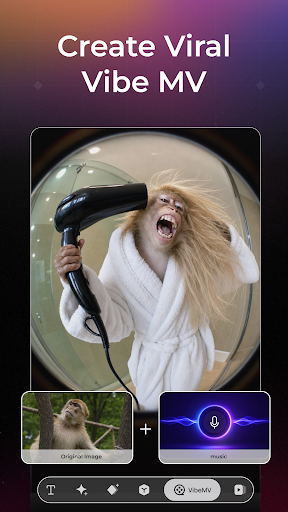
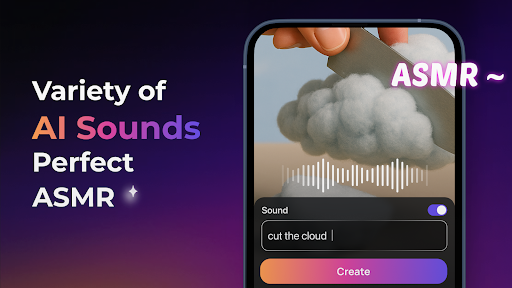
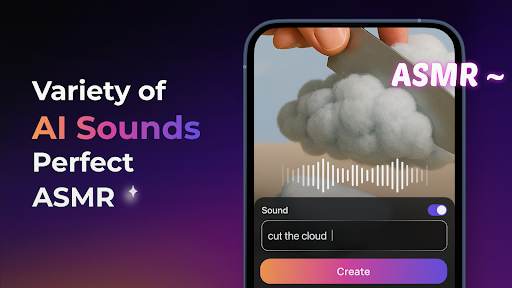
Beyond visual creation, PixVerse includes tools for audio and avatar generation. The Lip-Sync feature enables the creation of talking AI avatars: users upload a character, then type dialogue or upload an audio file to generate natural lip-sync. For music video creation, Vibe MV allows users to upload music and generate an AI music video with a custom character, style, lip-sync, and optional subtitles. The Sound Effect Generator lets users upload a video and describe the desired sound effect to blend it into the scene.
AI Image Editing
The app also features AI Image Edit tools to upgrade photos. This includes upscaling images for ultra-clear quality and the ability to erase unwanted areas from photos.





Write a review